Using Blender's adaptive tessellation (subsurf) modifier to apply realtime displacement in the object's material output instead of using the "Displacement" modifier.
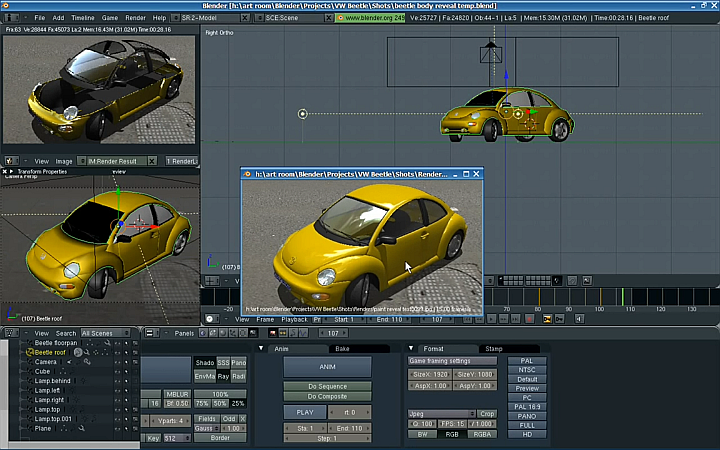
This episode we look at the Boolean function in Blender that creates a 3rd object from 2 other objects by adding them, or subtracting them, or calculating the difference between them Final animation Tutorial on making the animation above In this episode I discussed the following 1) assigning the boolean modifier to an object 2) using an animated cube to change the boolean area 3) use the boolean to reveal the main object
This is my first quick test of the DynamicPaint "waves" physics option using the canvas and brush with a direct vertex distortion instead of the multi-image baking. A plane using "canvas" covers the swimming pool. A plane using "brush" is a typical particle emitter directly above the swimming pool plane (out of shot above) The "line" render option in the particle system is used with a very transparent material. It looks more realistic than using an "object" render as most rain really does look like lines. I intend to do a tutorial on this for those who desire one.



Comments
Post a Comment