Testing of debris fire and smoke with the Blender Engine (faster than Cycles) with spaceship rendered in the Cycles Engine. Just a fun animation to get to grips with using both Engines.
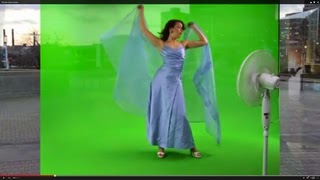
The basic “keying” node is applied to the green screen Only the “Screen Balance” option needed to be reduced to around 0.633 to take the transparency out of Godiva’s body area. The remaining settings in the “keying” node were default and great results were found especially allowing the full see-through veil to be preserved.
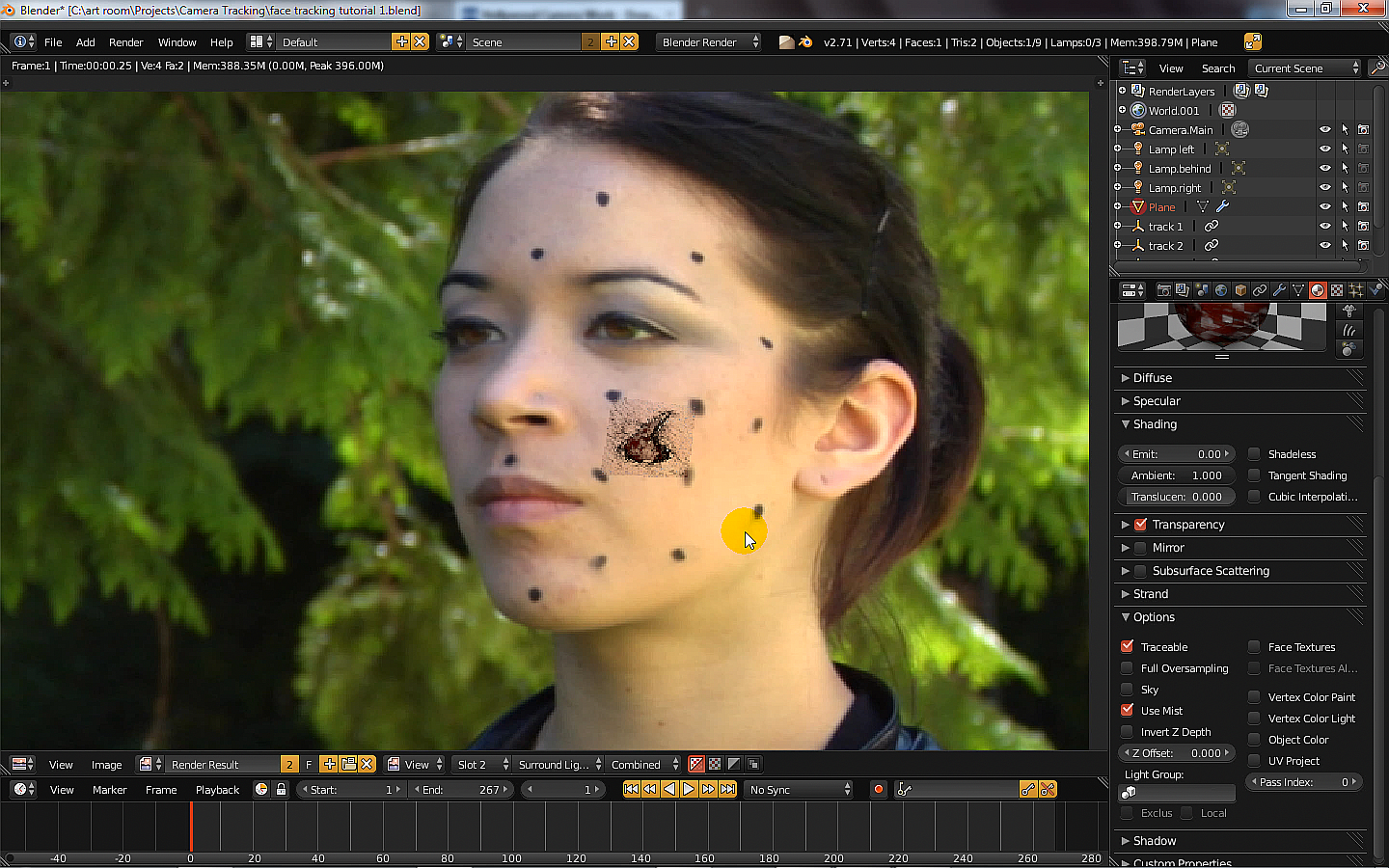
Original Background Video The video used for the background and tracking was one of many free videos available at … http://www.hollywoodcamerawork.us/trackingplates.html The gash image is tracked to the 4 cheek dots The gash image (transparent edges) is tracked to the cheek dots of the movie using a plane in Blender where it’s 4 vertex are attached to 4 empties that are tracked to 4 camera tracking points. The Tutorial on how the gash image is tracked
Here is a quick test blend file of SUICIDATOR CITY GENERATOR using version 0.4.1 although the latest version on their website is 0.5.7 The download of the script and further help is at the author’s website … http://cgchan.com/suicidator/
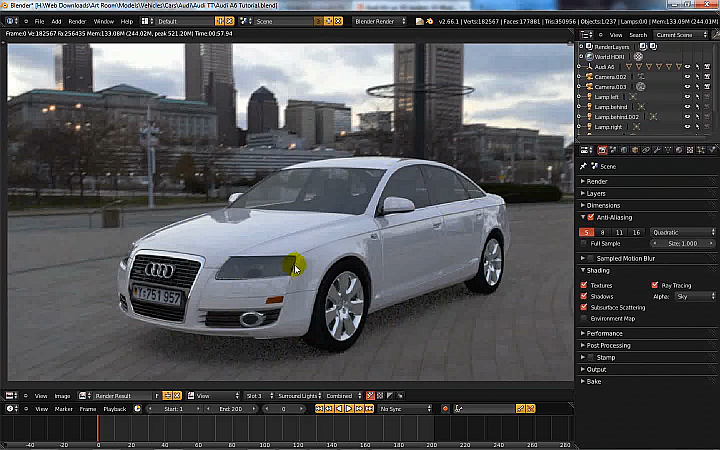
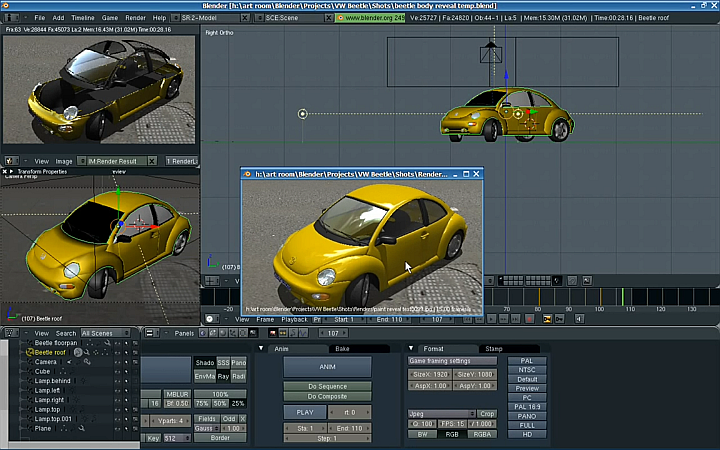
Blender HDRI Image Environment Lighting In this episode, we look at the Environment Lighting in Blender that creates an atmospheric illumination of all objects using an HDRI 360degree image. The color of the image is used as lighting to create realistically lit scenes - especially outdoor scenes. I discussed the following 1) assigning an HDRI image to the environment 2) settings to make renders fast 3) applying materials to a car 4) using different lighting settings
This episode we look at the Boolean function in Blender that creates a 3rd object from 2 other objects by adding them, or subtracting them, or calculating the difference between them Final animation Tutorial on making the animation above In this episode I discussed the following 1) assigning the boolean modifier to an object 2) using an animated cube to change the boolean area 3) use the boolean to reveal the main object