Posts

Blender - Transferred an Ocean Modified plane to a Solid Body plane

Image
1. Modify a plane with the Ocean Modifier. 2. Bake the displacement onto another plane saving the image sequence. 3. Use a displacement modifier with this second plane using the baked images. 4. Make this plane a Rigid Body "passive" 5. Add a sphere just above it as a Rigid Body "active" 6. Add the Beach Ball sphere and constrain it's position just below the Rigid Body sphere. 7. Run the animation and the Rigid Body sphere (hidden) moves around the Rigid Body plane along with the Beach Ball. 8. Render out the plane and Beach Ball animation. I am intending to do a tutorial on this for those who require one.

Blender - Testing the Dynamic Paint Physics

Image
This is my first quick test of the DynamicPaint "waves" physics option using the canvas and brush with a direct vertex distortion instead of the multi-image baking. A plane using "canvas" covers the swimming pool. A plane using "brush" is a typical particle emitter directly above the swimming pool plane (out of shot above) The "line" render option in the particle system is used with a very transparent material. It looks more realistic than using an "object" render as most rain really does look like lines. I intend to do a tutorial on this for those who desire one.

Spaceship shoots building

Image
Testing of debris fire and smoke with the Blender Engine (faster than Cycles) with spaceship rendered in the Cycles Engine. Just a fun animation to get to grips with using both Engines.

Green Screen keying in Blender

Image
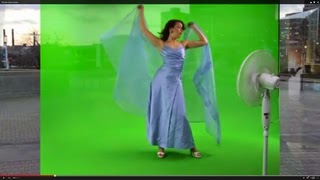
The basic “keying” node is applied to the green screen Only the “Screen Balance” option needed to be reduced to around 0.633 to take the transparency out of Godiva’s body area. The remaining settings in the “keying” node were default and great results were found especially allowing the full see-through veil to be preserved.

3d Model Transfer from Zbrush to Blender Tutorial

Image
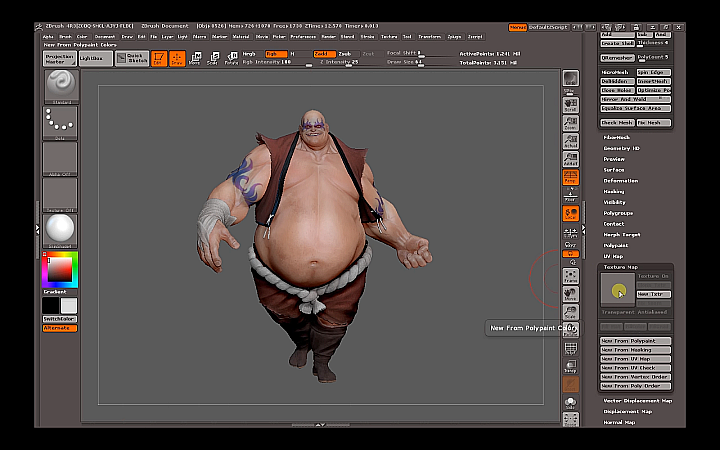
The GoB Blender addon script The GoB Blender addon script is used to transfer your models to and from Zbrush to Blender

Blender - Girl's Face ( object ) Tracking Tutorial

Image
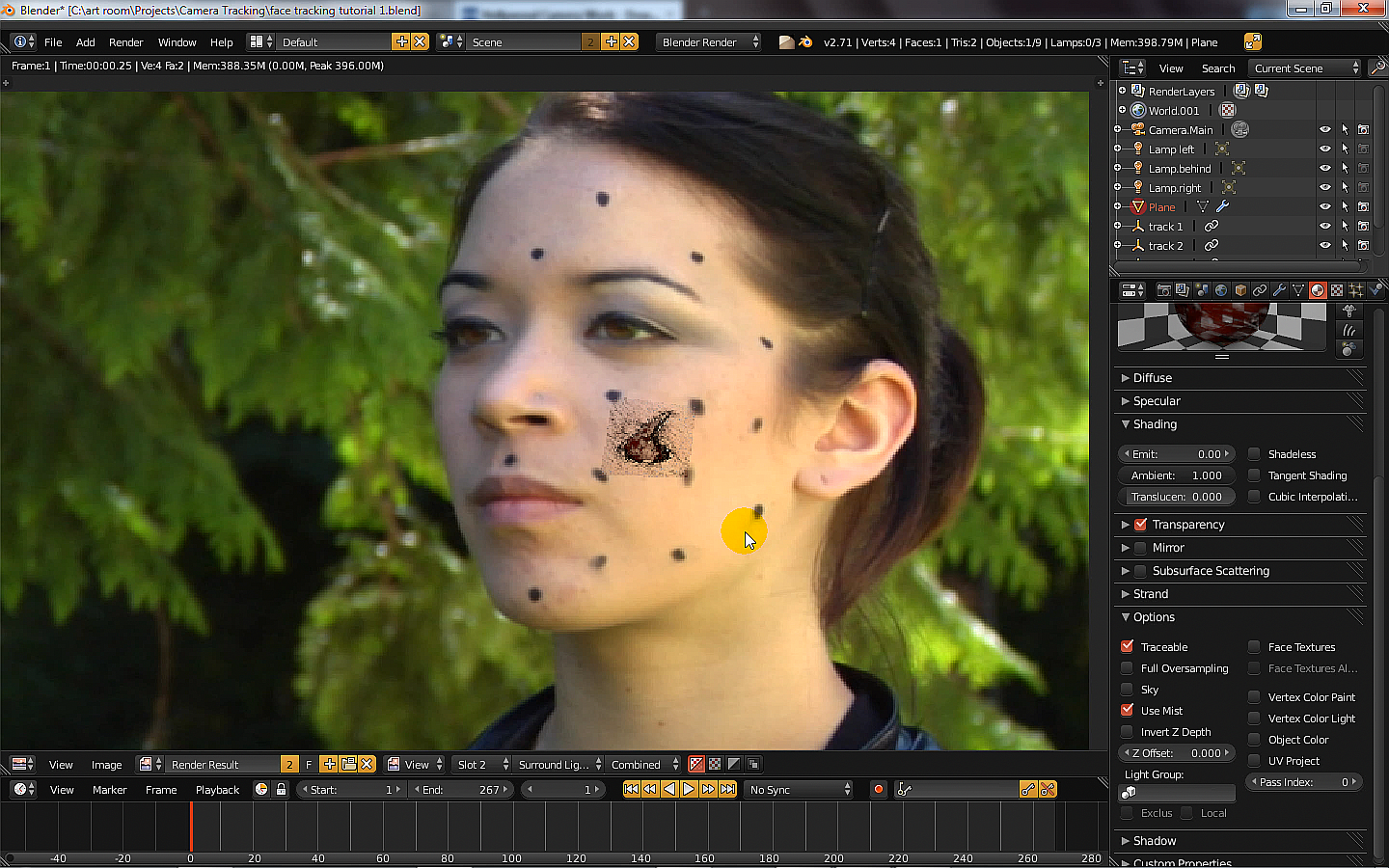
Original Background Video The  video used for the background and tracking was one of many free videos available at … http://www.hollywoodcamerawork.us/trackingplates.html The gash image is tracked to the 4 cheek dots The gash image (transparent edges) is tracked to the cheek dots of the movie using a plane in Blender where it’s 4 vertex are attached to 4 empties that are tracked to 4 camera tracking points. The Tutorial on how the gash image is tracked

Blender - city generating addon script

Image
Here is a quick test blend file of SUICIDATOR CITY GENERATOR using version 0.4.1 although the latest version on their website is 0.5.7 The download of the script and further help is at the author’s website … http://cgchan.com/suicidator/